No login. No data saved.
Free CV builder. Build it, take it, done.
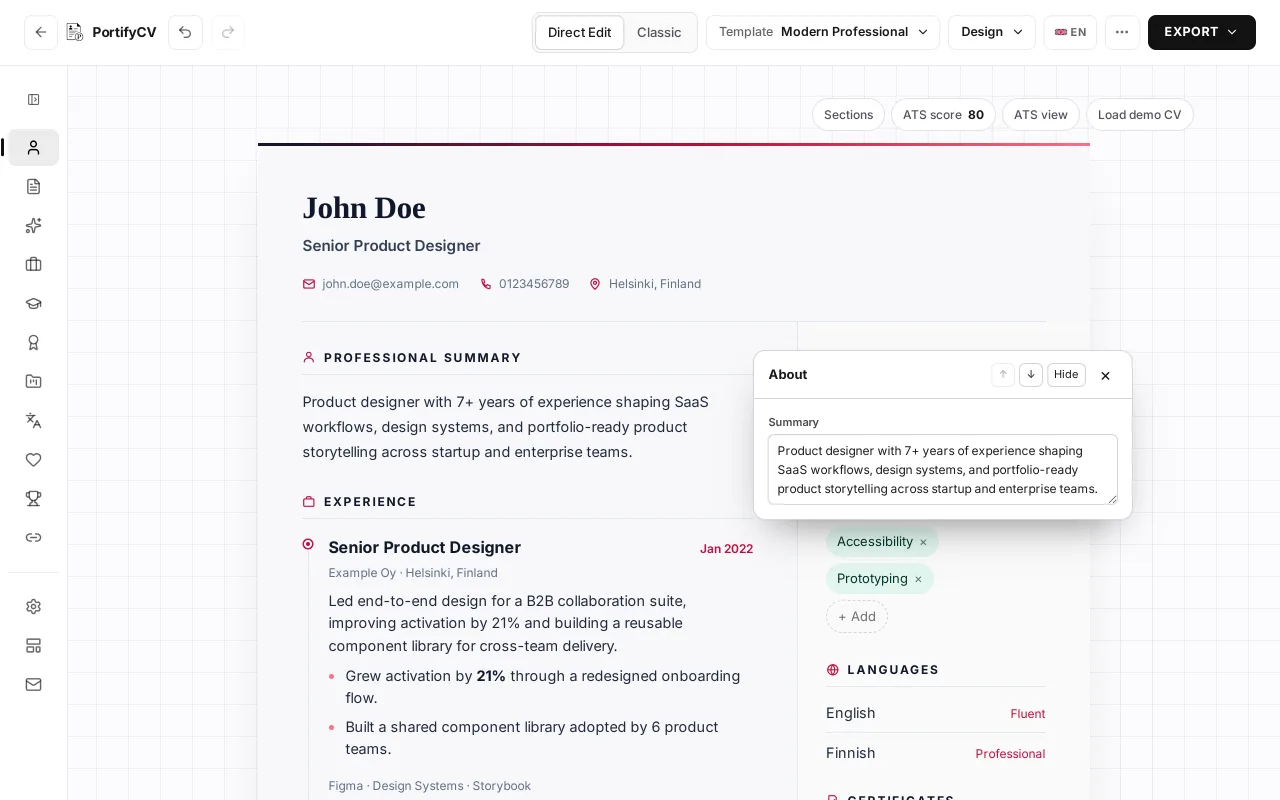
Click your CV and type. Pick a template, then take it with you as a PDF, a Word file or a share link.
How it works
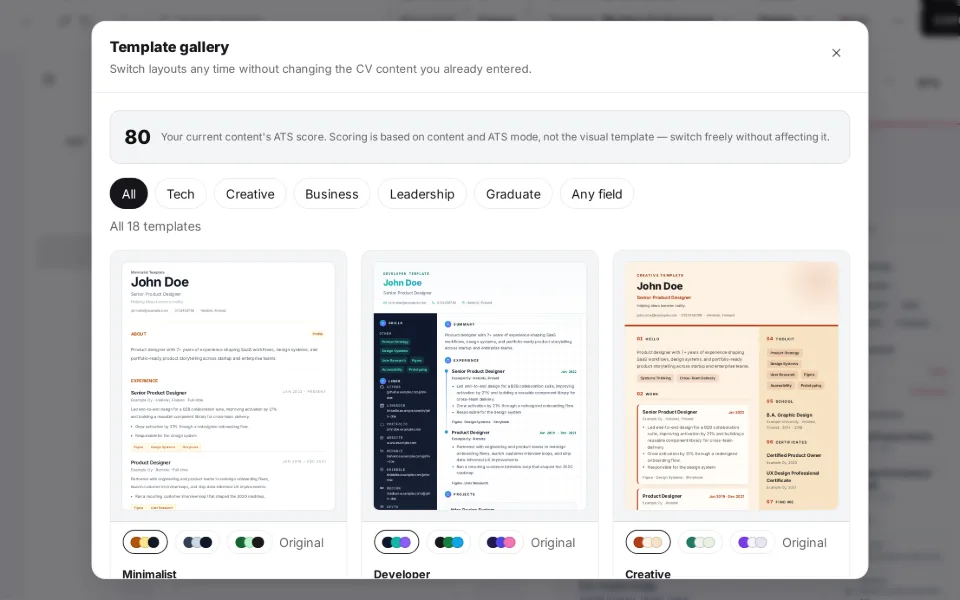
Pick a template
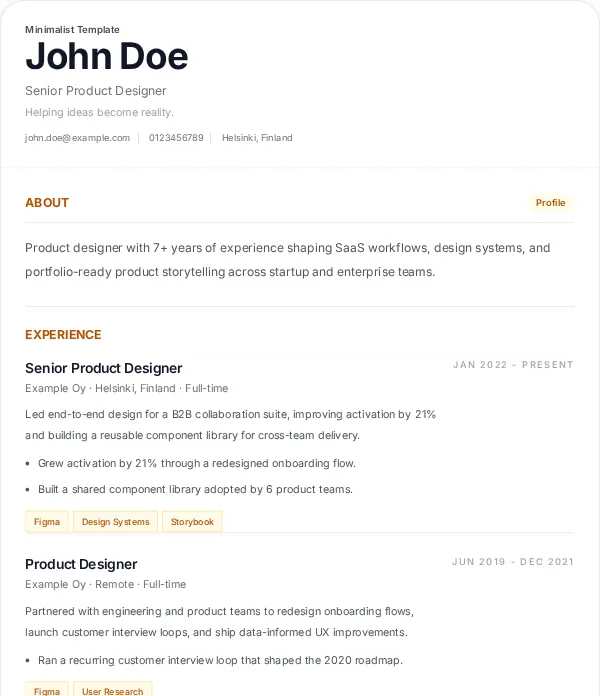
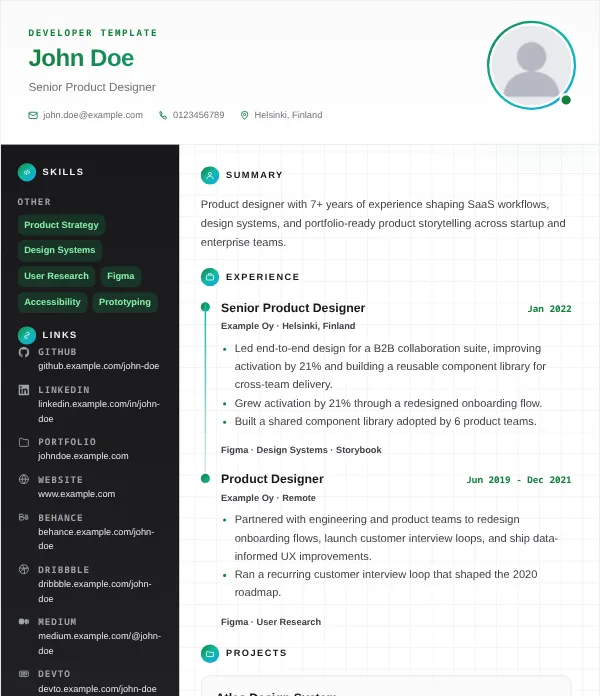
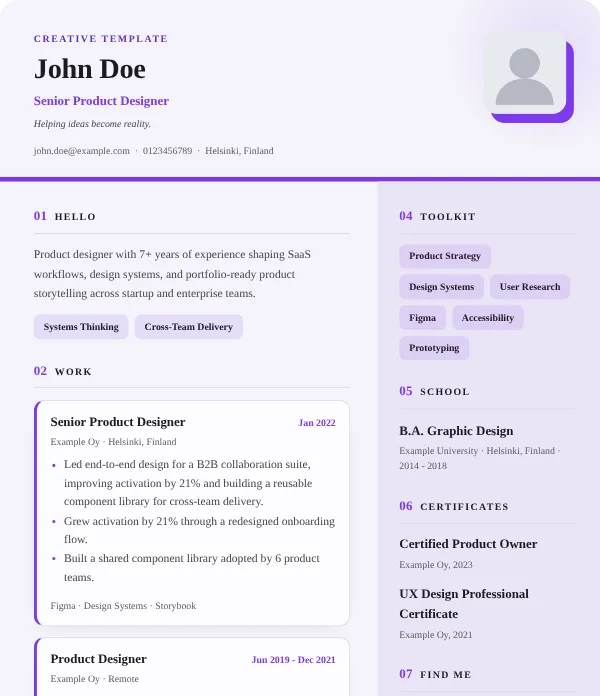
18 layouts, three looks each. Switch any time; your text stays.
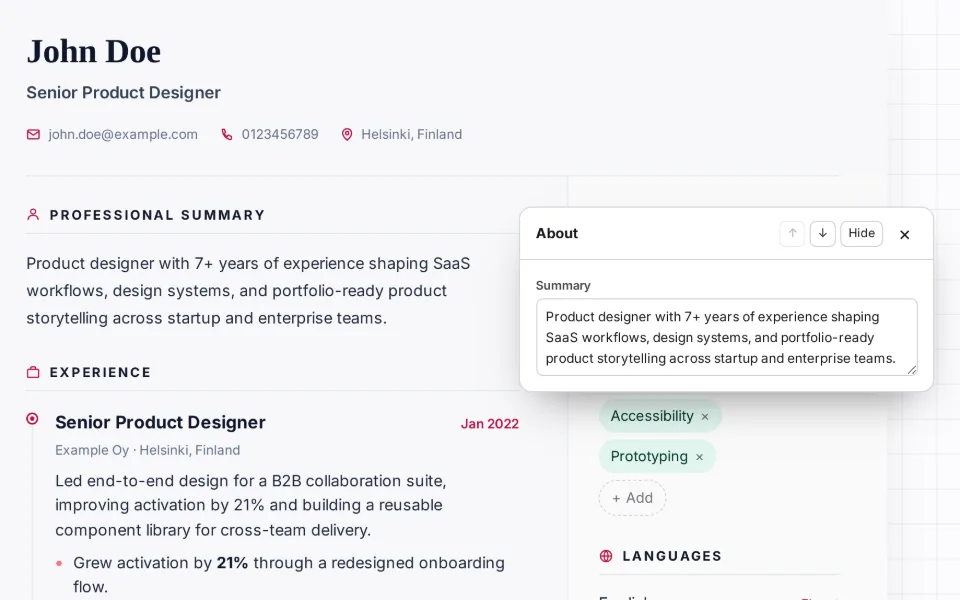
Edit right on the CV
Click any text and type, or open a section’s pencil for all its fields.
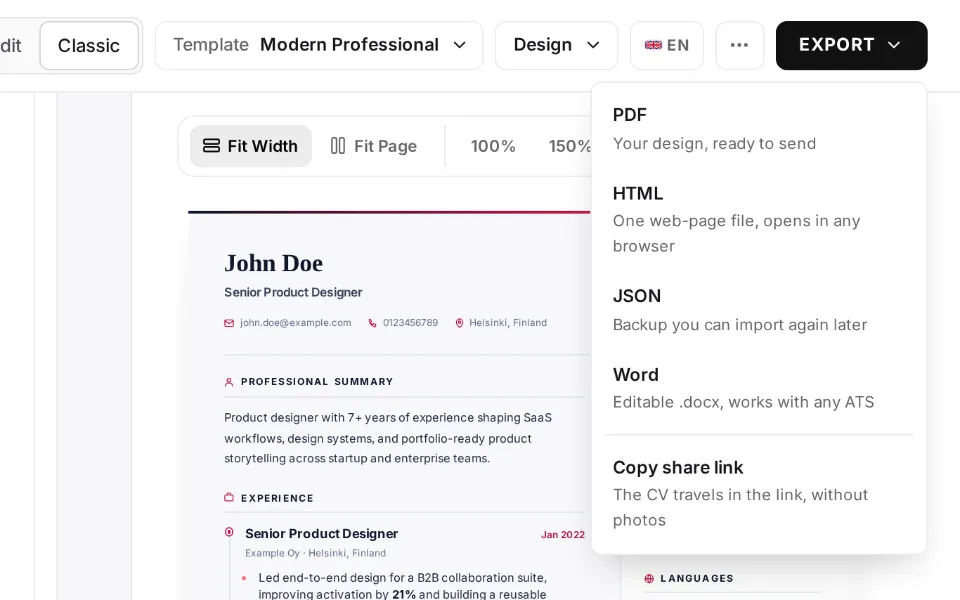
Export or share
Download a PDF or Word file, or copy a share link. Nothing is uploaded.
See the templates
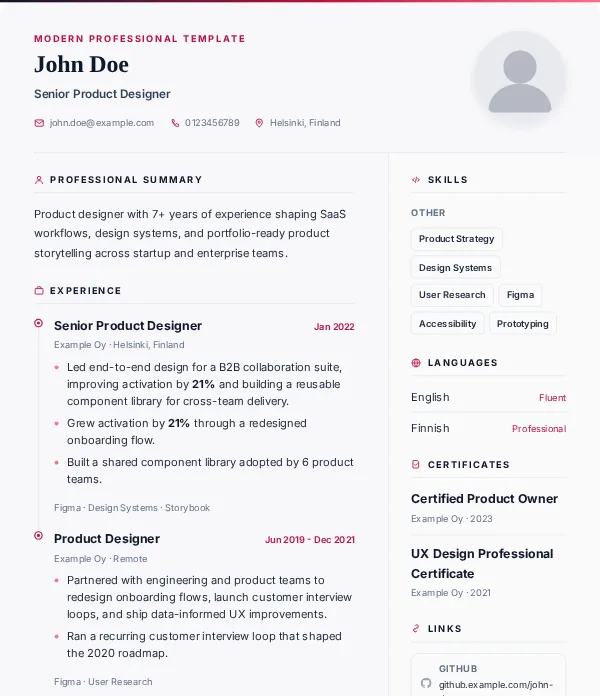
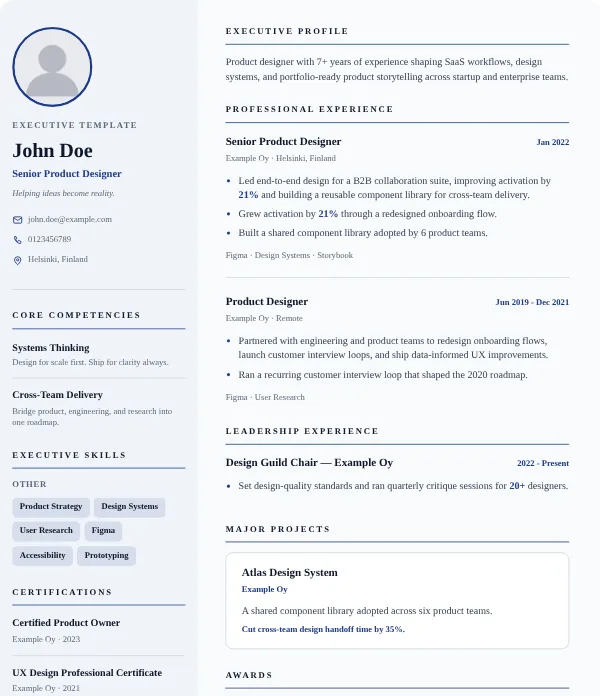
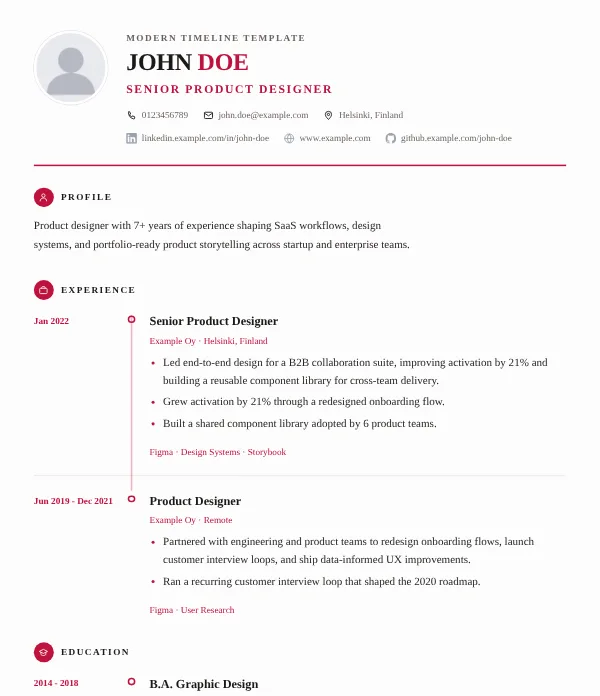
Pick your field to see the templates that suit it, each in one of its three looks.
Why use PortifyCV
No account. No login. That’s the whole point.
Skip the sign-up, the email confirmation, the account to manage. Open the page, start typing, and export when you’re done — there is nothing else to it.
Nothing ever touches a server
Every export (PDF, Word, HTML, JSON) and every share link is generated entirely in your browser. Unlike CV builders that require an account, your data is never uploaded, stored, or seen by anyone — because it never leaves your device.
Built for applicant tracking systems
Toggle ATS mode for a layout that parsers can actually read — no columns, icons, or tables to trip them up — plus keyword scoring that shows what your CV is missing.
Guides and examples
Frequently asked questions
Is PortifyCV really free?
Yes. No subscription, no watermark and no paid tier: all 18 templates and every export format are free.
Do I need to create an account?
No. Open the builder and start typing. There’s no login and no email.
Will my CV pass applicant tracking systems (ATS)?
Turn on ATS view for a plain one-column layout that parsers can read, and check your CV against a job posting’s keywords. The ATS-friendly CV guide covers the details.
What formats can I export to?
PDF for applications, Word to edit it elsewhere, HTML for the web, and JSON to keep editing later.
Can I share my CV without sending a file?
Yes. A share link carries the whole CV inside the link itself and is never sent to a server. Photos don’t fit in a link, so export JSON if they need to travel too.
What does PortifyCV store in my browser?
Five small settings, such as your language. “Restore last session”, on by default, also keeps a working copy of your CV in that tab until you close it; you can turn it off in Settings. Nothing is sent anywhere. The privacy policy has the details.
Can I also create a cover letter?
Yes. The builder drafts one from your CV’s summary, latest role and top skills; copy it, download it as text or export it as a PDF. See the cover letter examples.